Our products

Systems built to solve real operational problems.

Purpose-built platforms for construction, property, project-driven businesses and school operations — designed around the work your teams manage every day.

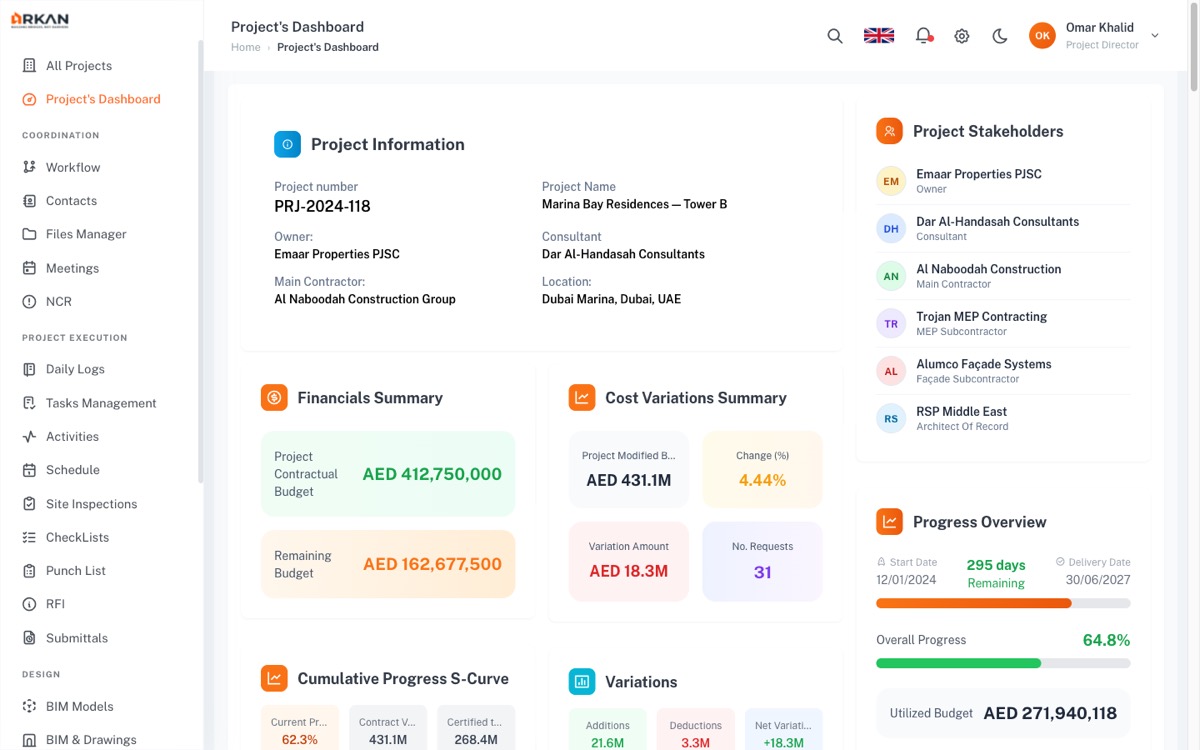
ArkanCS project dashboard overview

ArkanCS / Project overview

Four platforms · Four operating contextsExplore the interface. Discuss the fit.

01 / Construction Management

ArkanCS

Keep project teams connected to the work.

Bring drawings, submittals, inspections and progress information into a shared project environment, connecting field activity with office review and coordination.

  • Drawings
  • Submittals
  • Inspections
ArkanCS: Project overview · records, stakeholders and delivery progress
Project overview · records, stakeholders and delivery progressOpen full-size interface ↗
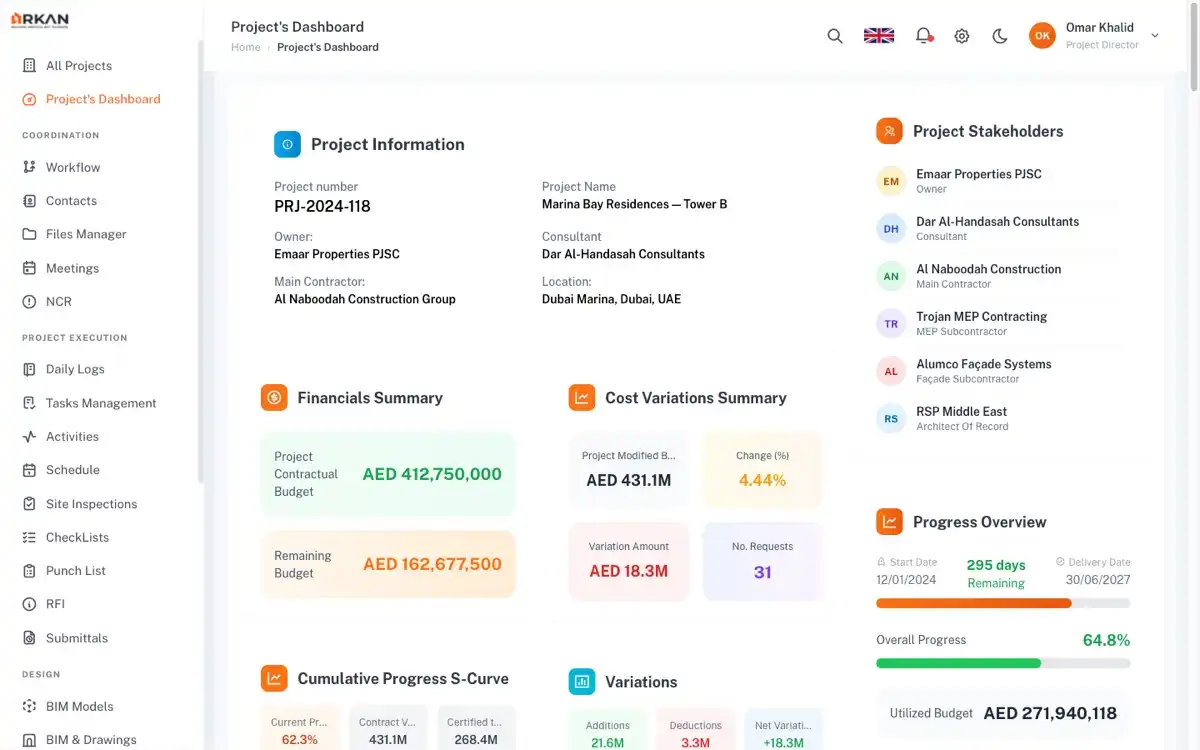
Inspect a closer view
ArkanCS interface detail: Project information and document navigation

Project information and document navigation. Open the full-size interface to inspect every area.
02 / Property Management

ArkanPM

Bring property operations into one clear view.

Coordinate leasing, maintenance, tenant requests and owner reporting around the properties and people your team manages every day.

  • Leasing
  • Maintenance
  • Tenant services
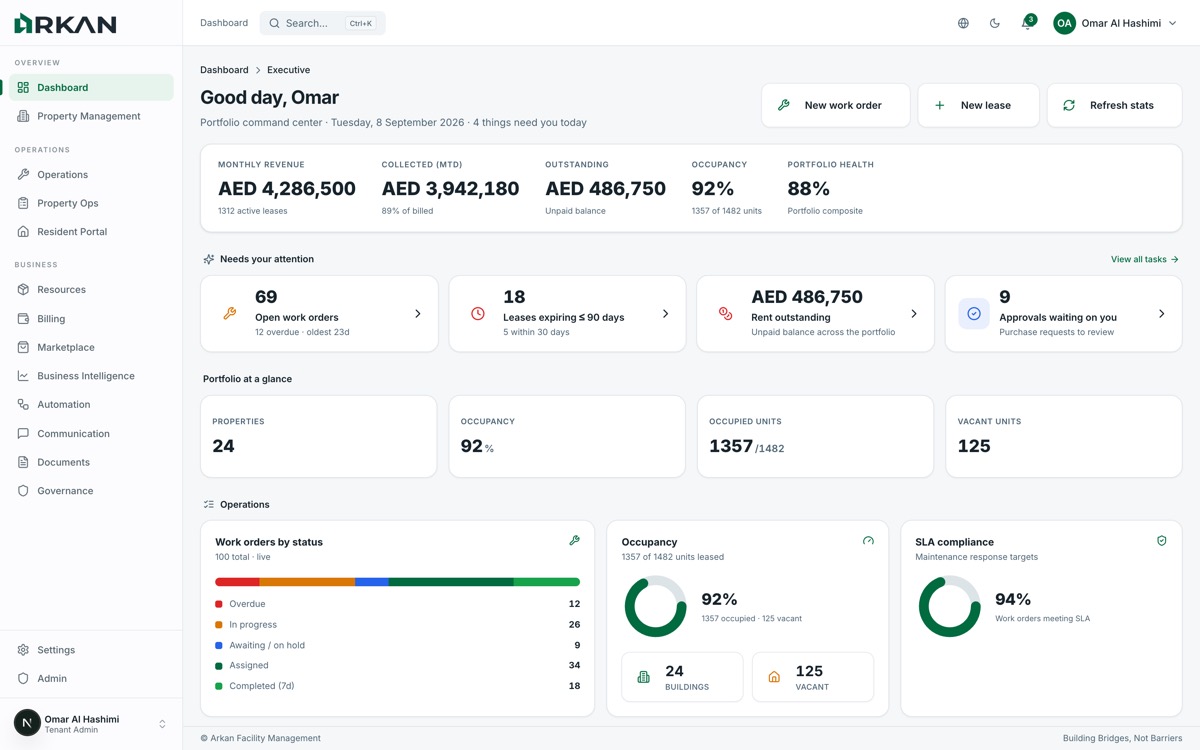
ArkanPM: Portfolio overview · properties, work orders and service activity
Portfolio overview · properties, work orders and service activityOpen full-size interface ↗
Inspect a closer view
ArkanPM interface detail: Portfolio activity and work orders

Portfolio activity and work orders. Open the full-size interface to inspect every area.
03 / ERP for Project-Driven Businesses

ArkanERP

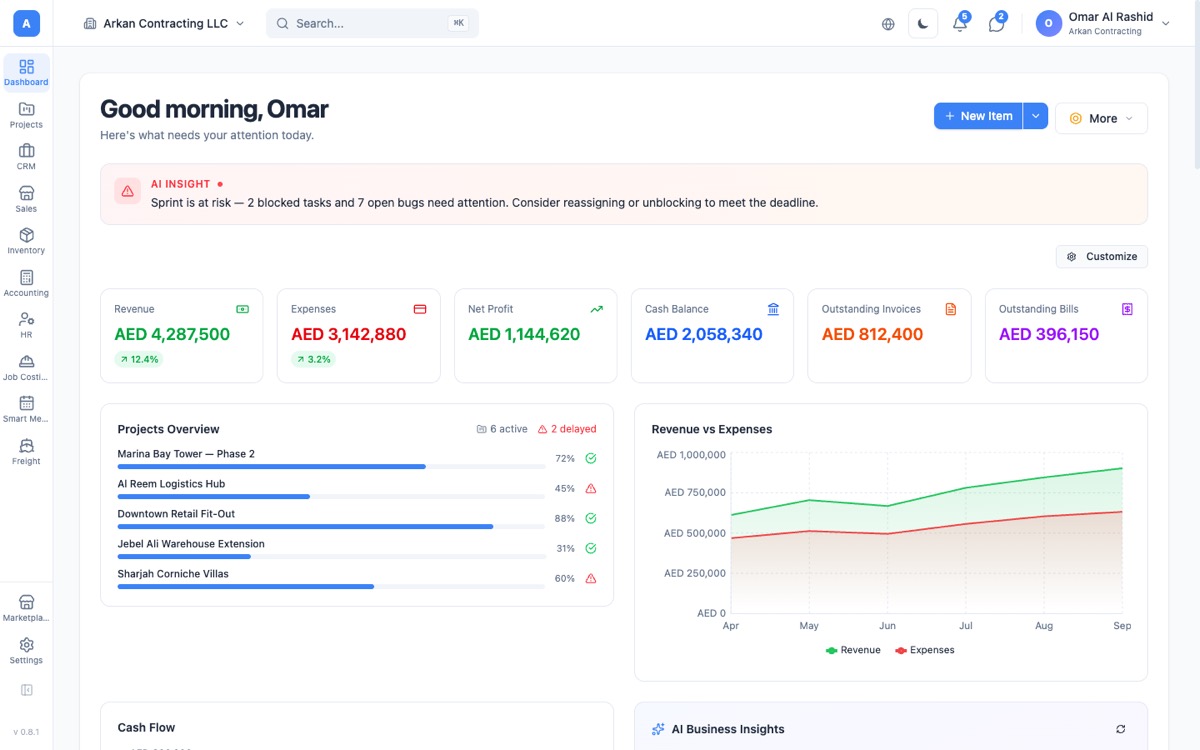
Connect the business behind your projects.

Bring procurement, finance, people and project accounting together so commercial activity stays connected to the work it supports.

  • Procurement
  • Finance
  • Project accounting
ArkanERP: Business overview · project and financial information
Business overview · project and financial informationOpen full-size interface ↗
Inspect a closer view
ArkanERP interface detail: Project and financial overview

Project and financial overview. Open the full-size interface to inspect every area.
04 / School Operations & Timetabling

LuminaEduSync

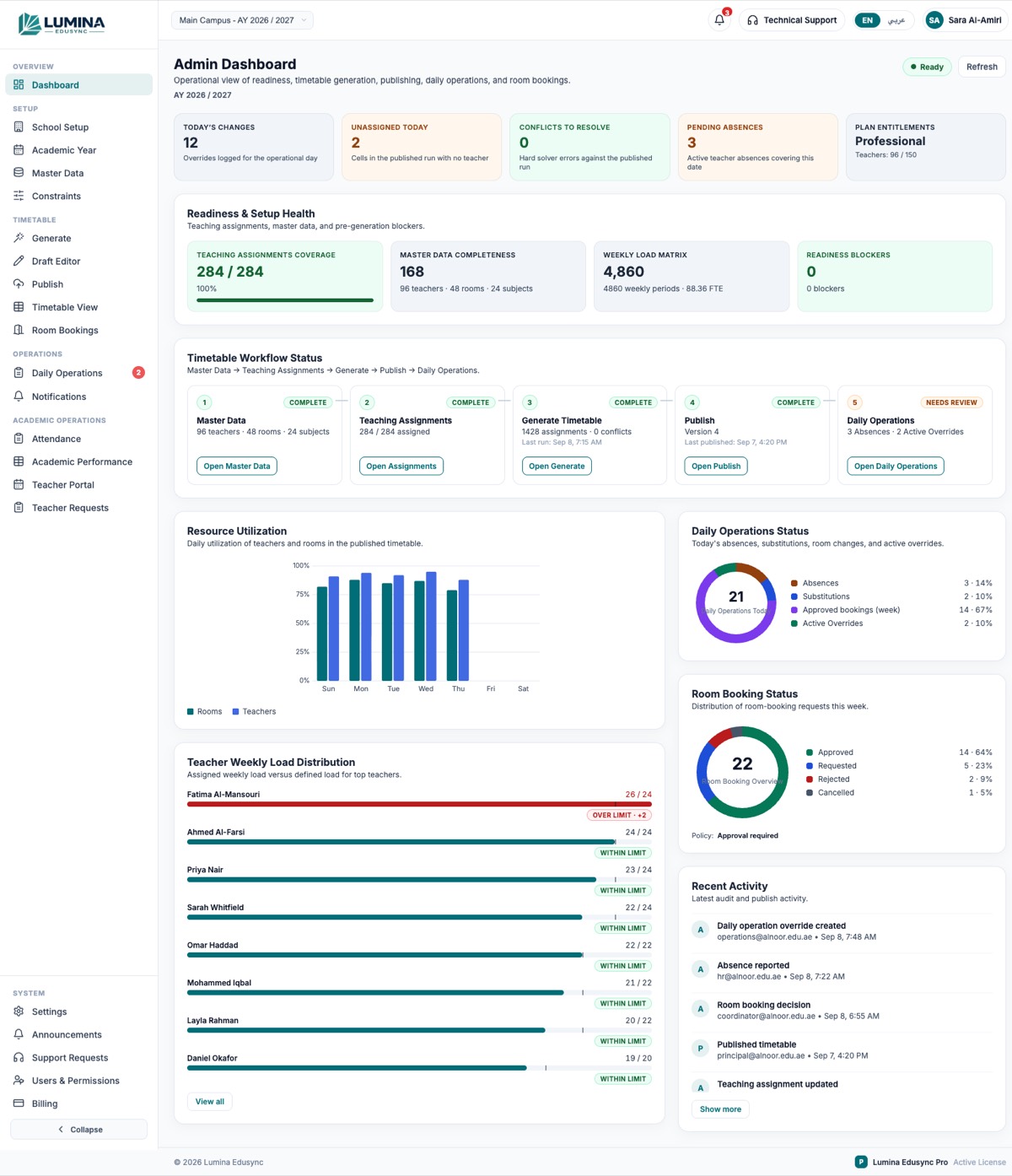
Make the school day easier to coordinate.

Coordinate timetables, teaching assignments, rooms and daily changes so school teams can plan the day and manage what changes within it.

  • Timetables
  • Teaching assignments
  • Daily changes
LuminaEduSync: School administration overview · planning and coordination
School administration overview · planning and coordinationOpen full-size interface ↗
Inspect a closer view
LuminaEduSync interface detail: School planning and administration

School planning and administration. Open the full-size interface to inspect every area.

The right fit

Start with your operation.

We review current scope, configuration and existing systems before agreeing the implementation.

01 / WORKFLOW

What already fits?

Map your roles and everyday tasks to the platform’s current capabilities.

02 / CONFIGURATION

What needs to change?

Identify settings, data requirements and gaps that need separately scoped work.

03 / CONNECTIONS

What needs to connect?

Review the interfaces and responsibilities between the product and your existing systems.

A practical adoption path

From first fit to daily use.

  1. 01Review fit
  2. 02Confirm scope
  3. 03Prepare data
  4. 04Configure & validate
  5. 05Enable the team

A proposed approach, shaped around the selected product and engagement. Migration, integration, training and support are agreed in scope.

Start a conversation

See the right product in your operation.

Tell us what your team manages today. We’ll focus the conversation on the workflows that matter to you.

Discuss a product